Image fill
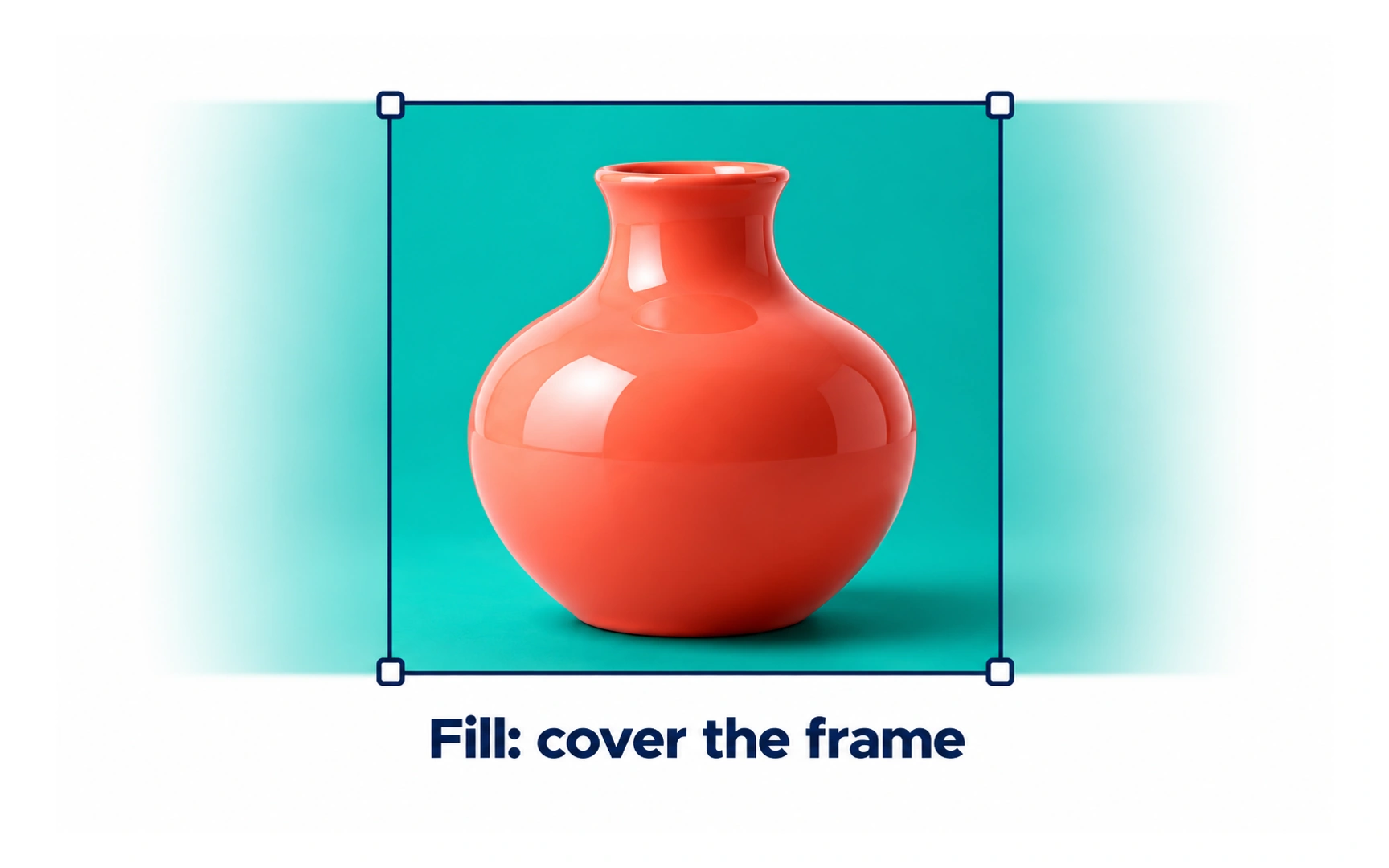
Fill scales an image until it covers the whole frame, keeping its proportions. In the example, the coral vase covers the frame completely, and the parts that do not fit are cropped away.
Use fill when every frame in a set should look the same, such as product cards or photo grids.
Because fill crops, keep the important part of the image near the center. Pro tip: most design tools let you move the image inside the frame to choose what stays visible.