Alignment
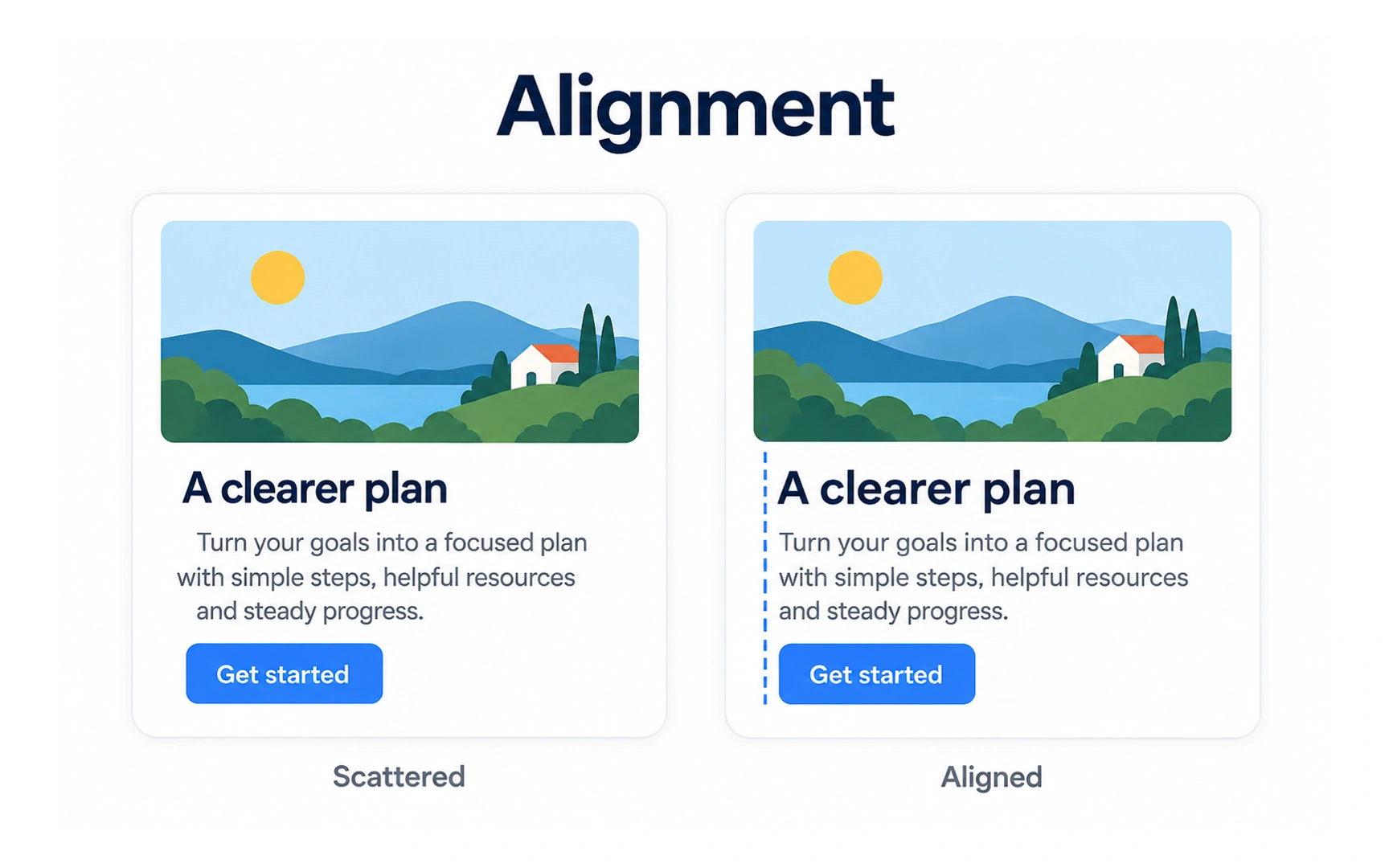
Alignment places elements along shared edges or a shared center line. In the example, the aligned card starts the headline, text and button on the same left edge.
Aligned layouts look calm and organized, and they are faster to scan, because the eye knows where each line begins.
Breaking alignment on purpose can create energy, but do it for one element, not by accident. Pro tip: use your design tool’s layout grid or auto layout so alignment stays exact.