

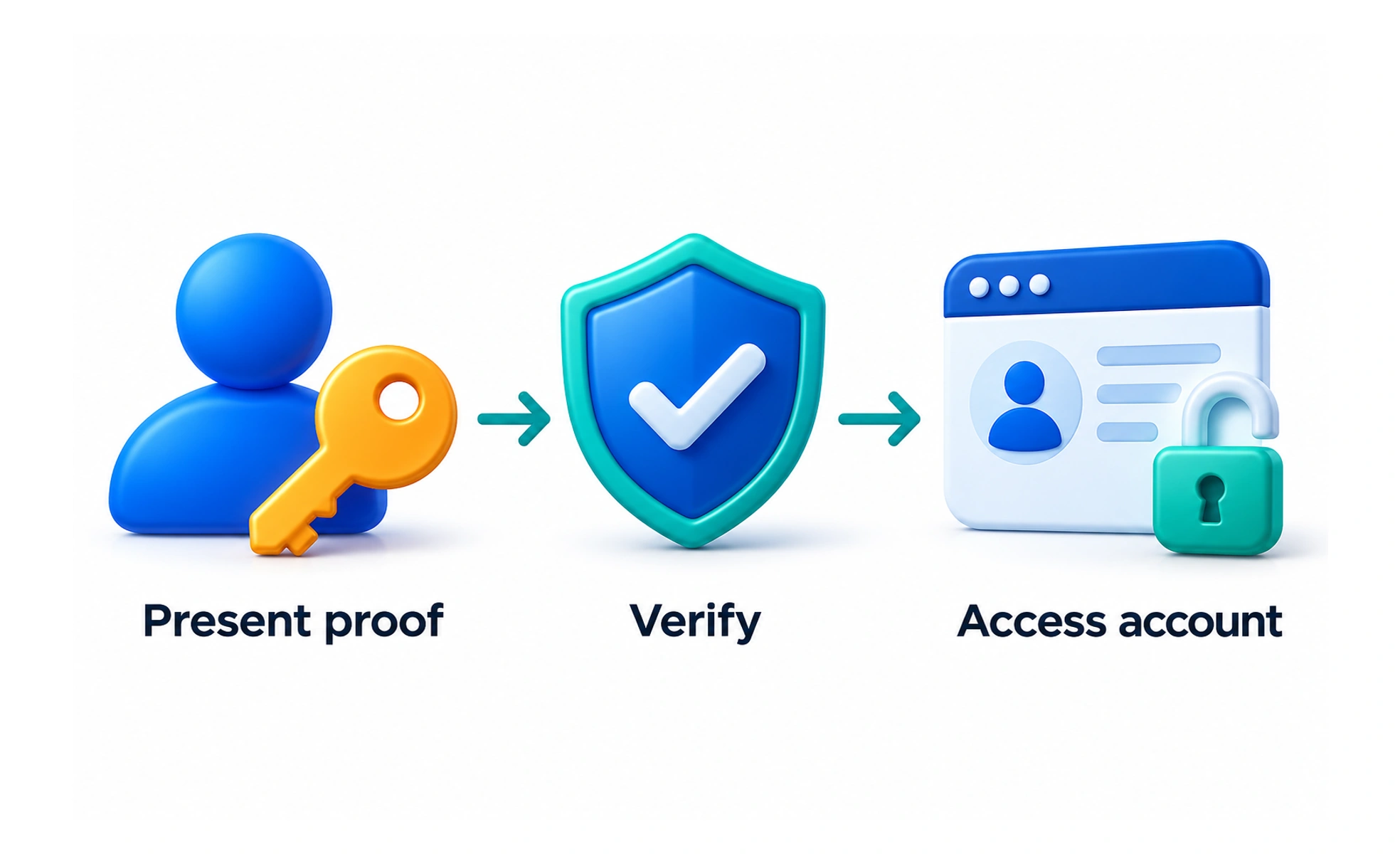
Authentication checks that a person or system controls an accepted way of accessing an account. Passwords, passkeys, and other authenticators can support that check, depending on the service and risk.
A ticket office checks the credential presented by a visitor before admitting them. Authentication similarly checks evidence that the service accepts for account access.
Separate identity, access, and permissions
Authentication establishes an account context; authorization determines what that account may do. Signing in should not automatically grant access to every record or administrative action. Services still need permission checks for protected resources and operations.
Choose a coherent access flow
Offer methods the service actually supports and explain each one clearly. If a person uses an external identity provider, the return flow must establish a valid session in the product. A successful provider screen alone does not prove the application has completed sign-in.
Handle failures and recovery
Plan for expired sessions, interrupted redirects, unavailable providers, and lost authenticators. Protect account information while giving useful next steps. Recovery and account linking need the same care as the initial check because they can change who controls an account.
Example: a learning account
After sign-in, the learner should reach the intended destination with a recognized session. Saved lessons and progress should use that account consistently. If session establishment fails, the interface should explain the problem rather than show a signed-in shell whose protected requests all fail.
Frequently asked questions
Key takeaways
- Authentication and authorization have different roles.
- Verify the complete session flow after external sign-in.
- Design recovery and account linking carefully.
- Keep the interface consistent with actual session state.