

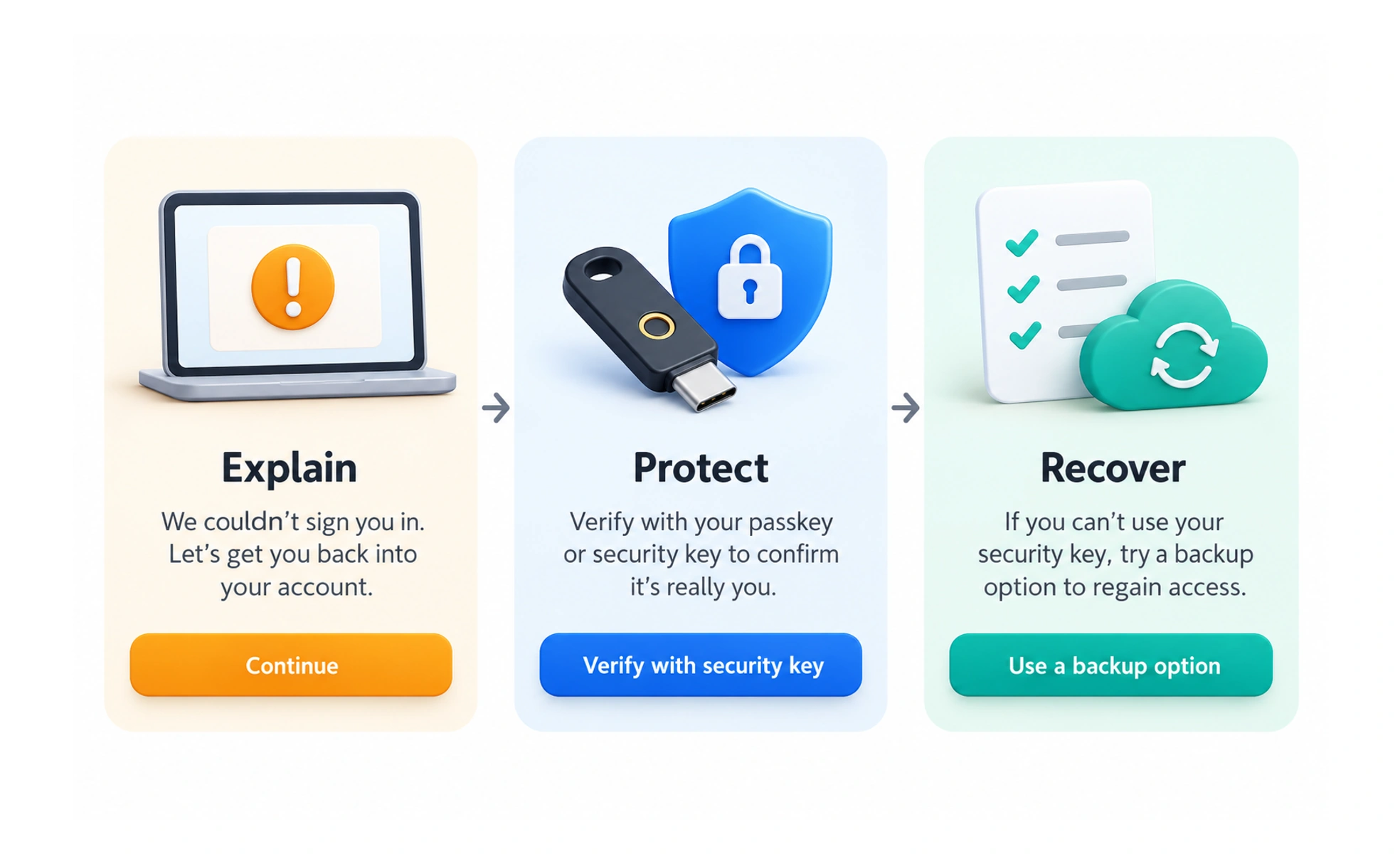
Security UX is the design of understandable interactions that help people protect accounts, data, and actions. It connects appropriate safeguards with clear choices, feedback, and recovery.
A well-designed lock needs both dependable protection and a clear way for the right person to use it. Digital safeguards need the same combination.
Understand the risk and the task
Work with security specialists to identify what needs protection and how a person is trying to use the service. A payment, profile update, and public article visit have different consequences. Match safeguards to the risk without making routine actions unnecessarily confusing.
Explain protective steps
Use clear language about why a check is needed, what will happen, and what the person can do next. Avoid exposing sensitive account details in public error messages. A message can protect private information while still explaining available recovery options and temporary service problems.
Design recovery as part of protection
People lose devices, forget credentials, and encounter expired links. Provide recovery paths that preserve the intended security boundary and are accessible to legitimate users. A strong front door is insufficient if account recovery can be used to bypass it.
Example: changing an email address
A service may require recent authentication and confirmation before a sensitive account change. The interface should explain the pending state and where confirmation was sent. It should show success only when the required checks have completed, with a clear response if the confirmation expires.
Frequently asked questions
Key takeaways
- Design safeguards around the actual risk.
- Explain checks and next steps clearly.
- Protect private information in feedback.
- Treat accessible recovery as part of the security design.