

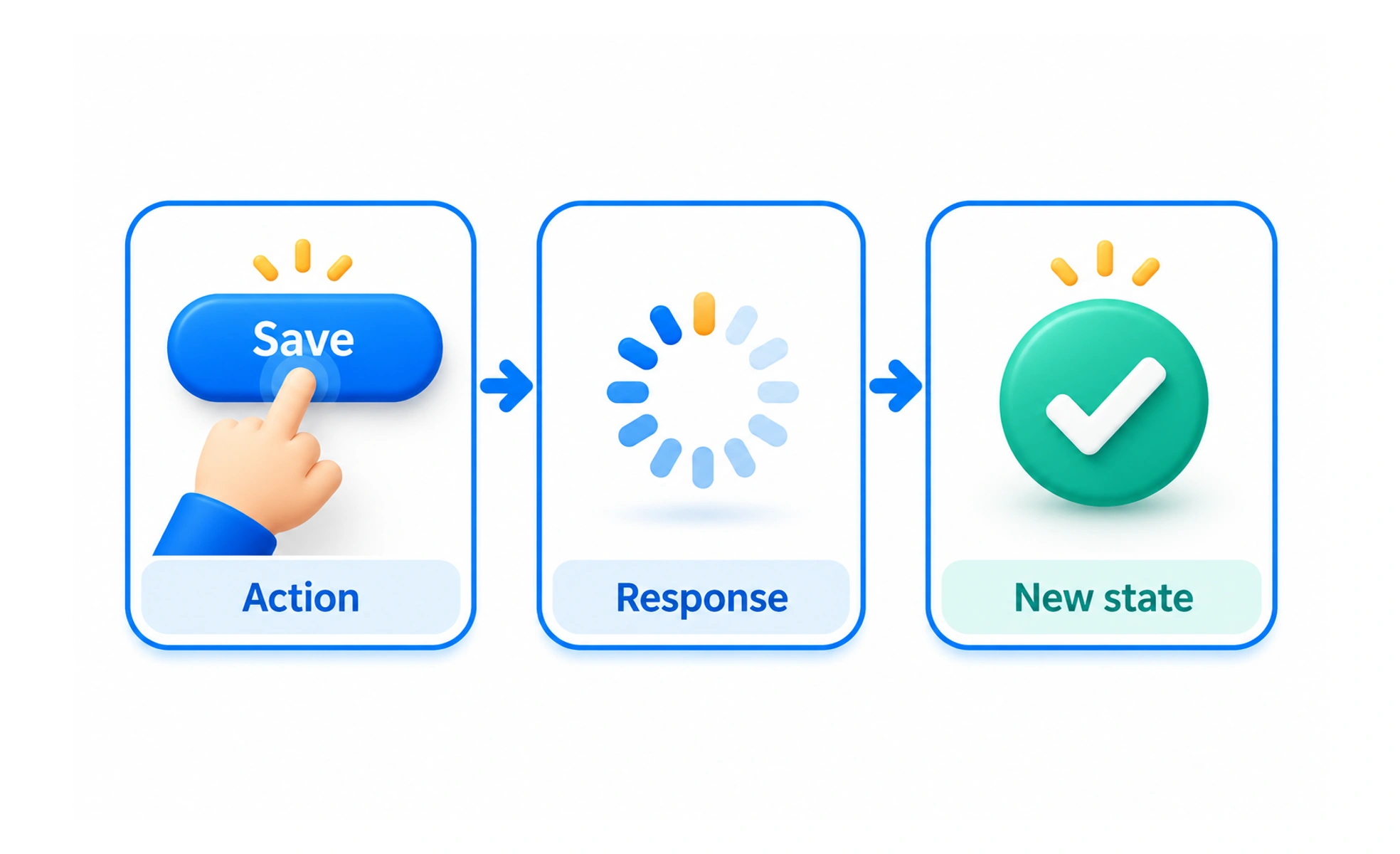
It turns a product’s rules into an understandable exchange. A designer considers which actions are available, what feedback they produce and how someone recovers from a mistake. The aim is a coherent task, not simply a collection of animated controls.
Describe the states and transitions
Start with what the person wants to achieve. Identify the states the product can be in and the actions that move between them. A file upload, for example, can be ready, uploading, complete, rejected or interrupted.
Describe what is visible and possible in each state. If cancel is available, explain what it cancels. If an action cannot be repeated safely, the interaction needs to prevent an accidental duplicate.
Make the next step understandable
People should be able to discover an action, predict its effect and understand the result. Clear labels, familiar controls and timely feedback all help.
A progress indicator can show that work is continuing, but should not pretend the task has finished. A disabled button may need an explanation so people understand what is missing instead of repeatedly trying to activate it.
Example: editing a profile
A person opens an edit panel, changes their name and selects Save. While the request runs, the product prevents conflicting submissions. On success, the profile displays the saved name. On failure, the panel keeps the entered text and offers a retry.
Closing the panel, pressing Escape and navigating with a keyboard also need defined behavior. These are part of the same interaction rather than optional polish after the main button works.
Use motion to explain continuity
A panel sliding from its trigger can help explain where it belongs. A brief transition can make a state change easier to follow. Motion should support understanding and respect reduced-motion preferences.
Do not use a long animation to conceal a missing state or force people to wait. Check the interaction with fast input, slow requests and interruptions, where weaknesses often become visible.
Frequently asked questions
Key takeaways
- Design the states and transitions around a complete task.
- Make actions discoverable, predictable and understandable.
- Specify failures, cancellation and repeated actions.
- Use motion to clarify behavior rather than delay it.