

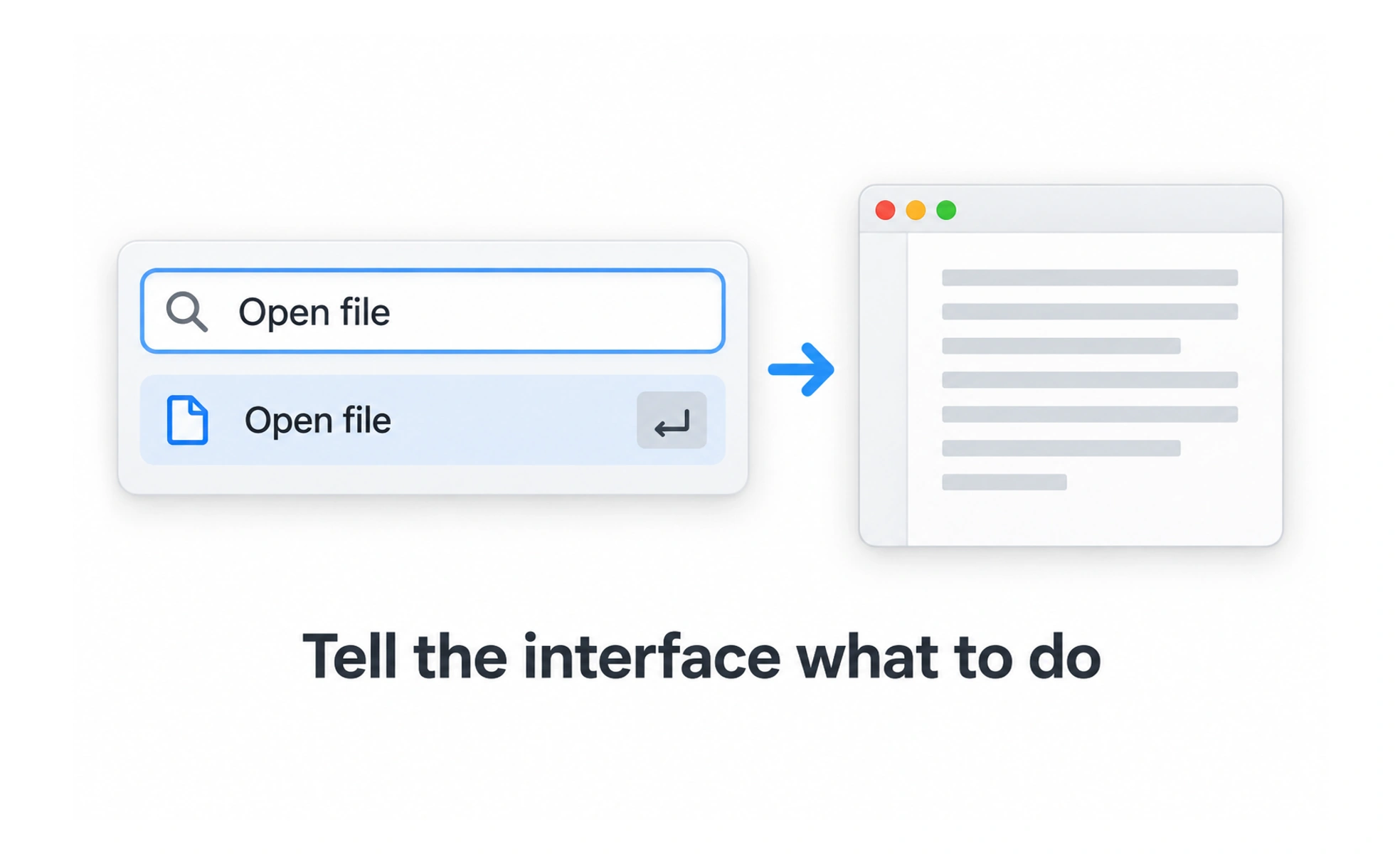
Commands may be available through buttons, menus, keyboard shortcuts, voice, or a command palette. The same action can have multiple entry points, but each should communicate the result and respect permissions and context.
A command is like asking a librarian to find a book: the request should be understood, checked against what is available, and followed by a clear result.
Name the action clearly
Use labels that describe the result, such as “Download report” or “Invite member.” Avoid labels that describe only the interface mechanism when the outcome matters. A command should not promise an effect the system cannot guarantee.
Offer commands in context
Place frequent actions near the object or workflow they affect. Menus and palettes can expose less common commands without crowding the main interface. Group related options and hide or disable actions only when people can understand why they are unavailable.
Support discoverability
Keyboard shortcuts can speed up work for experienced users, but they are easy to miss and may conflict with browser or assistive technology shortcuts. Show shortcuts where relevant, provide an alternate control, and let users recover if a command runs unintentionally.
Confirm completion and errors
After execution, show the result or the next required step. For long-running commands, communicate progress. If a command fails, preserve its inputs and explain how to retry or resolve the issue. Require confirmation only when the impact justifies the interruption.
Frequently asked questions
Key takeaways
- Label commands by their user-visible outcome.
- Place common actions in context and group less common ones.
- Treat shortcuts as an extra path, not the only path.
- Give truthful completion, progress, and error feedback.