

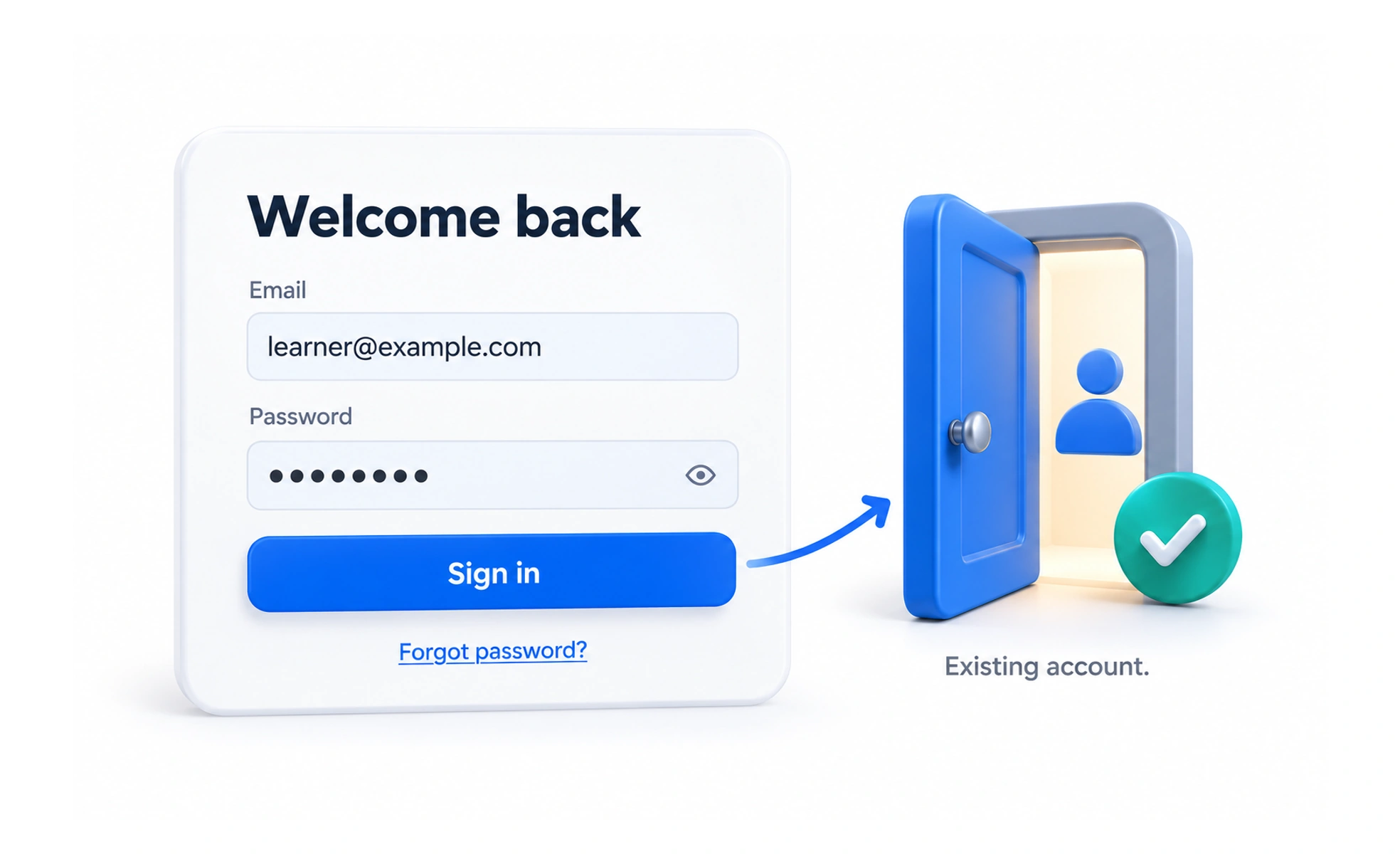
Login is the flow through which someone accesses an existing account. It should help the right person establish a session, understand problems, and return to the task they intended to complete.
A clear entrance helps returning visitors reach the right room without asking them to register as a new guest each time.
Make the entry path recognizable
Use familiar labels and offer the access methods the product actually supports. Distinguish signing in from creating an account while making it easy to switch when needed. Support password managers and accessible form controls instead of replacing standard behavior with decorative inputs.
Keep feedback useful and private
Explain how to recover from a failed attempt without unnecessarily disclosing whether an email address belongs to an account. Differentiate service unavailability from incorrect credentials where that can be done safely. Preserve safe input so an error does not force someone to start over.
Complete the session transition
Check the entire flow through redirects, cookies, and the destination page. An interface should not claim success before the application recognizes the session. Respect the person’s intended destination while ensuring return links cannot send them to an untrusted location.
Example: saving while signed out
A learner who chooses to save a lesson may need to log in first. After successful access, bring them back to a clear context and let them complete the action. If authentication expires or fails, explain the next step without losing the lesson they were interested in.
Frequently asked questions
Key takeaways
- Use recognizable, accessible entry methods.
- Provide recovery without exposing account information.
- Verify application session establishment before showing success.
- Return people safely to their intended task.