

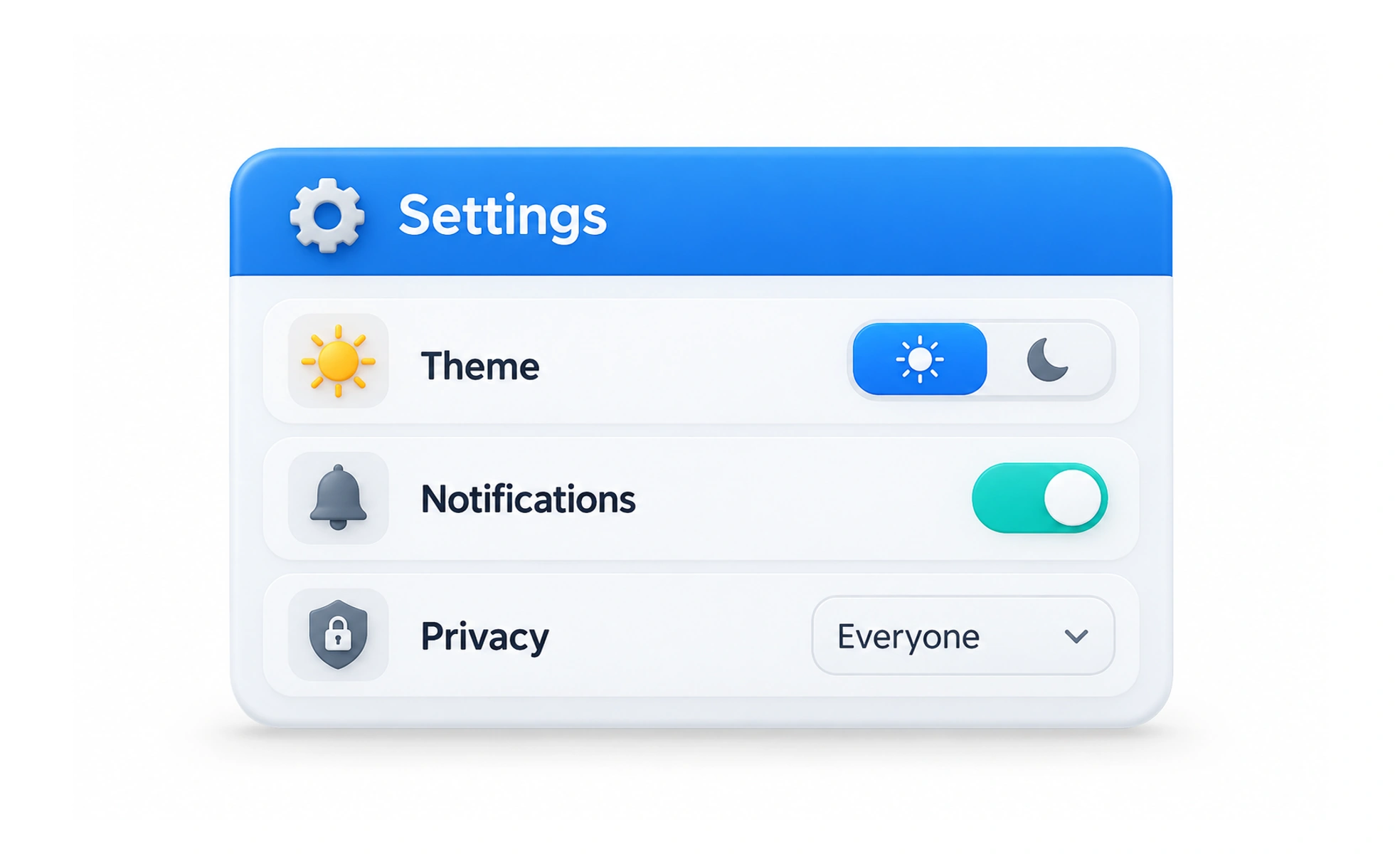
Settings are controls that let people configure how a product behaves or how their information is handled. Good settings make meaningful choices understandable, reversible where possible, and easy to find.
A seat adjustment lets a passenger make a vehicle fit their needs. Product settings similarly give people control over selected parts of an experience.
Group choices by a person’s goal
Organize settings around understandable tasks such as account access, notifications, display, privacy, or language. Use labels that describe the result of a control rather than internal system terminology. Search and clear navigation help when the product has many options.
Explain the effect before a choice
Describe what changes, who can see information, and when a preference takes effect. Distinguish account-wide behavior from a setting that applies only to one device or session. For consequential choices, explain reversibility and any limits before asking someone to confirm.
Save reliably and show state
Tell people whether a change is saved automatically or requires confirmation. Provide a clear saving, success, or failure state and recover safely if a request fails. Reopening the page should show the persisted preference, not a temporary local value that creates false confidence.
Protect sensitive actions
Changing a theme is different from deleting an account or exposing a profile. Use appropriate authentication, confirmation, and safeguards for actions with lasting effects. Offer accessible controls and sensible defaults, and do not make privacy or notification choices confusing through preselected consent.
Frequently asked questions
Key takeaways
- Group settings around recognizable user goals.
- Explain effects, scope, and reversibility.
- Make save behavior and persistence clear.
- Add stronger safeguards for consequential changes.